MyPetESA guidance
How to Verify an Online ESA Provider: Check the Person, Platform, and Claims
Verify an online ESA service through official clinician records, location authorization, independent contacts, privacy, and accurate legal claims.
Updated October 14, 2026

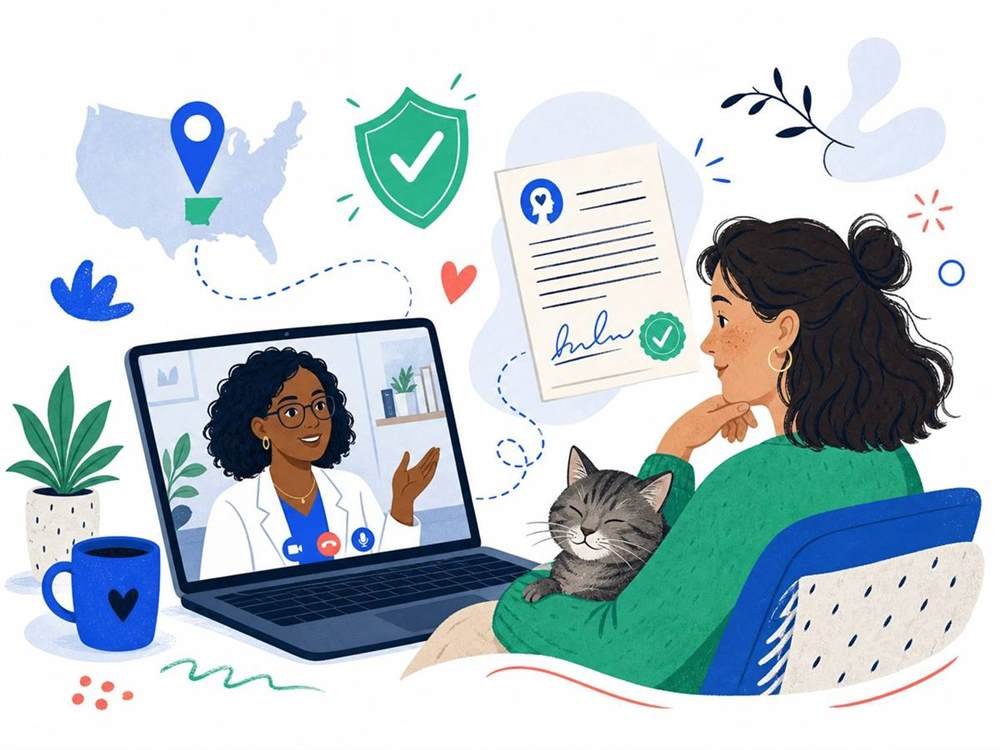
Illustrative stock photo; not actual MyPetESA clients or providers. Photo: Pexels.
Verifying an online ESA provider requires more than confirming that a website loads or that a PDF has a signature. Several separate questions matter: who evaluated you, whether that professional was authorized, whether the service used an appropriate process, and whether its claims are accurate.
A document-verification tool can confirm issuance by a particular service. It cannot by itself establish clinical eligibility, lawful practice, or the legal outcome of a housing request. Use a layered check.
Check 1: identify the actual evaluator
Ask for the professional's full name, credential, relevant license or authorization details, and contact route. The business coordinating the appointment may not be the clinician making the decision.
Match the document's signer with the professional who evaluated you. If the names differ, request an explanation of the clinical process. Do not assume that a prominent adviser shown on a homepage reviewed your individual case.
MyPetESA's clinician-role guide explains why profession and scope matter. A brand name is not a healthcare license.
Check 2: use an official record
Find the appropriate licensing board for the profession and jurisdiction. Match the name, license type, status, and any public restrictions. Use the board's own search rather than a screenshot supplied by a seller.
The Medical Board of California's search is one example. Other professions, osteopathic physicians, and other states require their own authorities.
Investigate mismatches before deciding
Similar names, name changes, or a different authorization pathway may explain a search difficulty. Ask for clarification and verify it independently. A refusal to identify the evaluator or an invented license number is a much more serious concern.
Do not report a clinician as fraudulent merely because you searched the wrong board. Equally, do not dismiss an unexplained mismatch because the website looks professional.
Check 3: verify the appointment location
For telehealth, tell the practice where you will physically be. HHS cross-state licensing guidance describes possible practice routes, which vary by state and profession.
A license somewhere in the country does not automatically mean the professional can evaluate you everywhere. Ask which authorization applies. A national network claim should be supported by the assigned clinician's specific lawful practice arrangement.
Check 4: examine the evaluation process
Ask how clinical information is assessed, whether direct discussion or follow-up occurs, and what happens when documentation is not supported. A process that guarantees the same outcome to every applicant deserves scrutiny.
Explain your actual functional needs and the animal's support. Do not accept instructions to select symptoms just to qualify. Clinical evaluation should not be an elaborate way to rubber-stamp a sales form.
MyPetESA's process page can help structure questions. Confirm the service's actual written scope rather than assuming its process matches another provider's.
Check 5: distinguish issuance from legal sufficiency
A provider may confirm that it issued a document. MyPetESA's verification page is relevant to documents issued through MyPetESA; it is not a universal registry of all ESA letters.
Issuer confirmation does not replace checking professional authority or the underlying assessment. It also does not guarantee that a housing request meets every applicable legal requirement.
A housing update readers should know in 2026
The Fair Housing Act continues to require necessary reasonable accommodations in covered housing. However, federal agency enforcement and the statute are not the same thing. A signed HUD memorandum dated May 22, 2026 narrows FHEO animal-accommodation enforcement to trained disability-related assistance and confirms withdrawal of the older 2020 notice. State law and court decisions can also matter.
Do not read an old online checklist as an automatic nationwide ESA approval rule. For a contested request, seek current advice from a fair-housing organization or attorney familiar with the property's jurisdiction. A clinically sound letter and a legally sufficient accommodation request are related, but neither guarantees the outcome of the other.
Check 6: inspect access and approval claims
An ESA letter does not create ADA service-dog public access or standard airline service-animal treatment. A site promising that one document unlocks every business and flight is making claims that need correction.
MyPetESA's animal comparison explains those boundaries. Be cautious about mandatory commercial registries, automatic diagnoses, or acceptance guarantees stated without context.
A provider's willingness to explain uncertainty and limits is useful. It may be less persuasive marketing, but it is better information for an important decision.
Check 7: verify contact and privacy independently
Use contact details found through a trusted route, not an unexpected email or text. The FTC's phishing advice explains why familiar logos and urgent payment messages can be misleading.
Read the privacy notice and ask how clinical records are submitted and stored. HHS patient-privacy guidance provides practical remote-care precautions. A secure connection does not prove that every clinical or business claim is valid.
Limit unnecessary disclosures
Confirming issuance and sharing complete treatment records are different actions. Ask the practice what can be verified without broad disclosure and what consent process applies.
Do not email sensitive information to a sales address merely because someone asks urgently. Establish who needs the information and use the appropriate communication channel.
Document the check
Keep notes of the official record, written service terms, clinician identity, consultation date, receipt, and verification communications. If a factual issue appears, request a correction from the issuer rather than editing the signed file.
Where the issue is clinical care, contact the professional practice or licensing authority as appropriate. Where it is a housing dispute, seek a qualified adviser. Treat each problem through the relevant channel.
Sources and editorial scope
Checked October 14, 2026 using official licensing, HHS telehealth resources, FTC consumer-security guidance, the FHA statute, and HUD's 2026 memo. This is a verification framework, not an endorsement or legal determination.
Helpful answers
Frequently asked questions
Does a verification code prove a letter is legally sufficient?
It may confirm issuance by that service. It does not independently establish clinical need, lawful practice, or accommodation approval.
Can I verify every ESA letter through MyPetESA?
No. The tool concerns documents issued through MyPetESA, not a universal federal registry.
Is a lock icon enough to trust a provider?
No. It concerns connection security, not the evaluator's license, assessment, or legal claims.
What if the license record does not match?
Ask for clarification and check the correct authority independently. Do not ignore an unexplained mismatch.
Should I share my full medical history for verification?
Not automatically. Ask what specific information is necessary and use an appropriate consent and secure communication process.